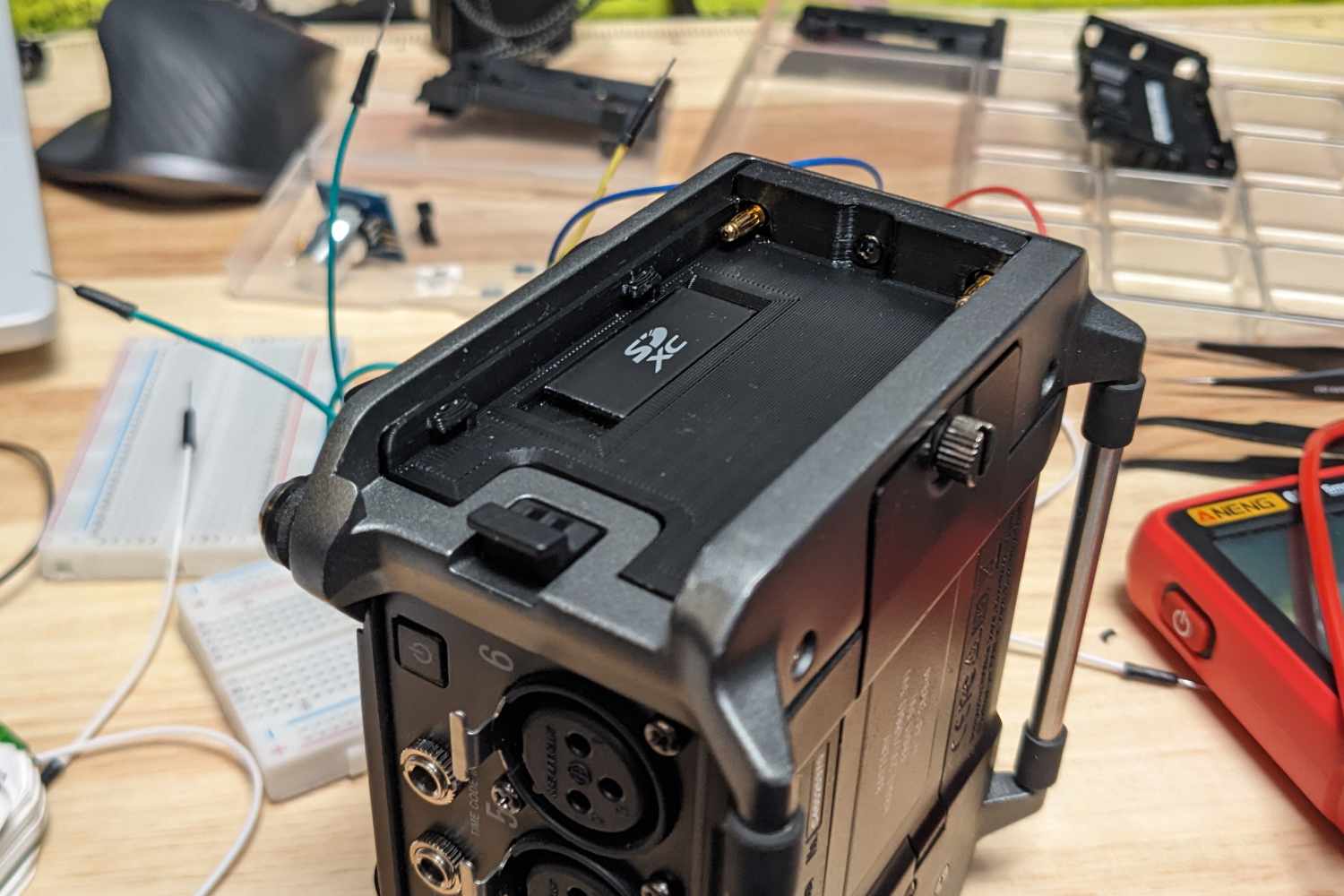
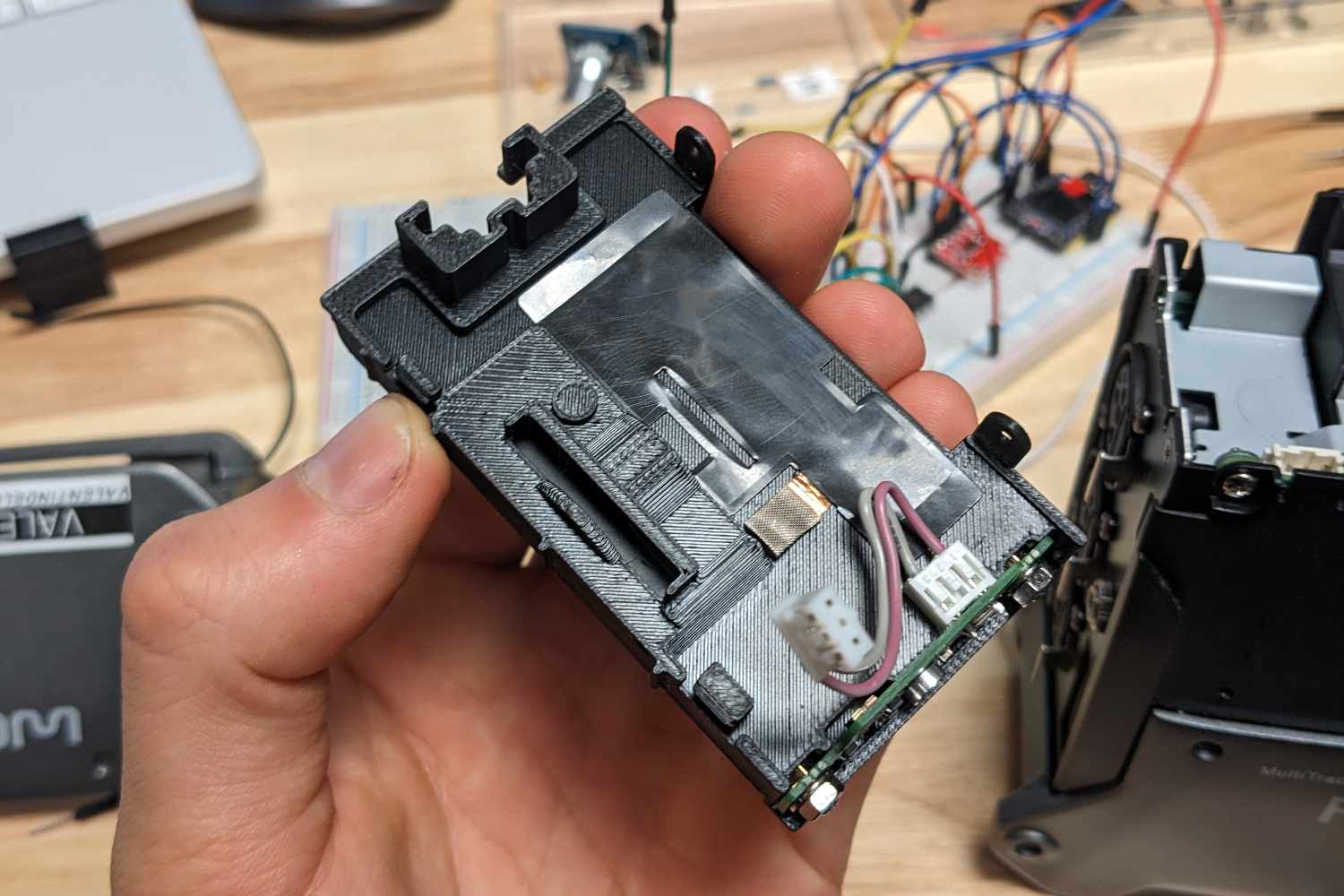
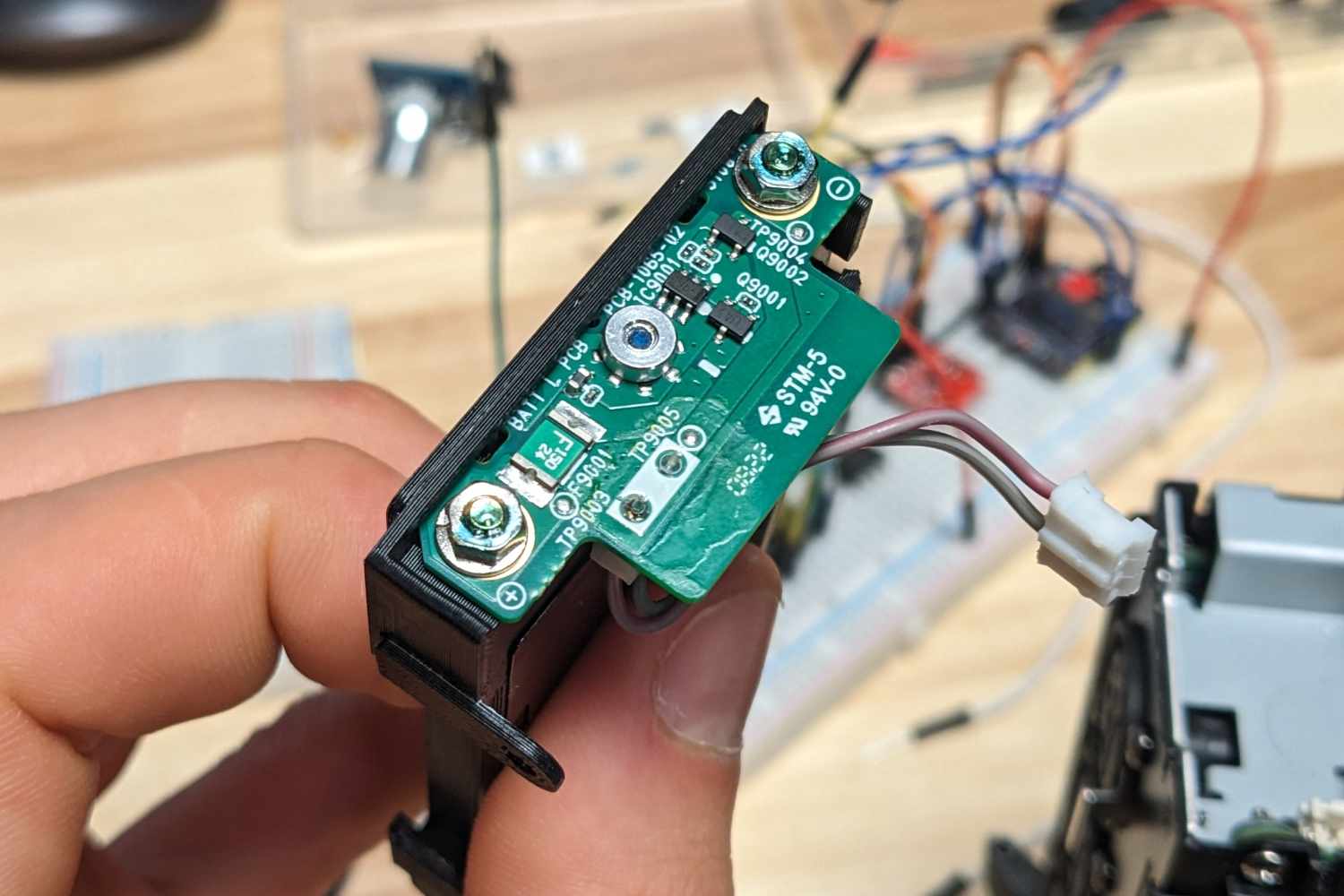
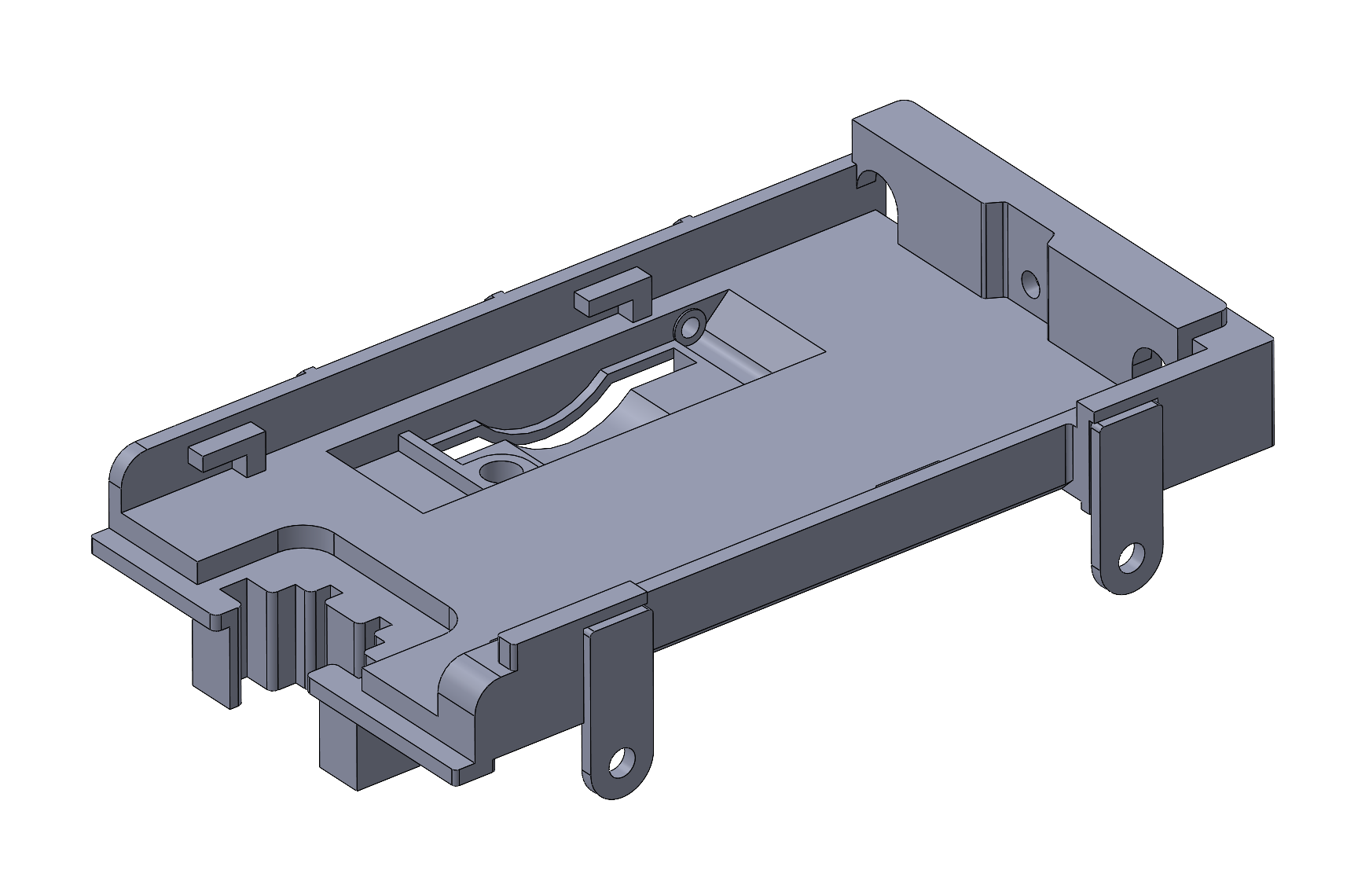
Intro This page provides a 3D-printable replacement for the Zoom F6 NP-F battery holder. The design replaces the original injection-molded part while reusing the original electronic and mechanical components. The replacement part in place Rear of the replacement partOriginal NP-F PCB on the replacement part CAD CAD Isometric view Download ComponentFileMain part.STL ↓Tabs.STL ↓CAD model.STEP ↓Printer parameters.3MF ↓ How to Build Disassemble the Zoom F6 until you can remove the NP-F battery holder. Keep all the original parts except the damaged injection-molded part. Print the replacement parts (the two tabs are printed separately). Glue the tabs to the main part using cyanoacrylate (super glue). Glue one of the original magnets into the replacement part. Install the door, PCB, and copper foil onto the replacement part. Reassemble the Zoom F6.